Winner

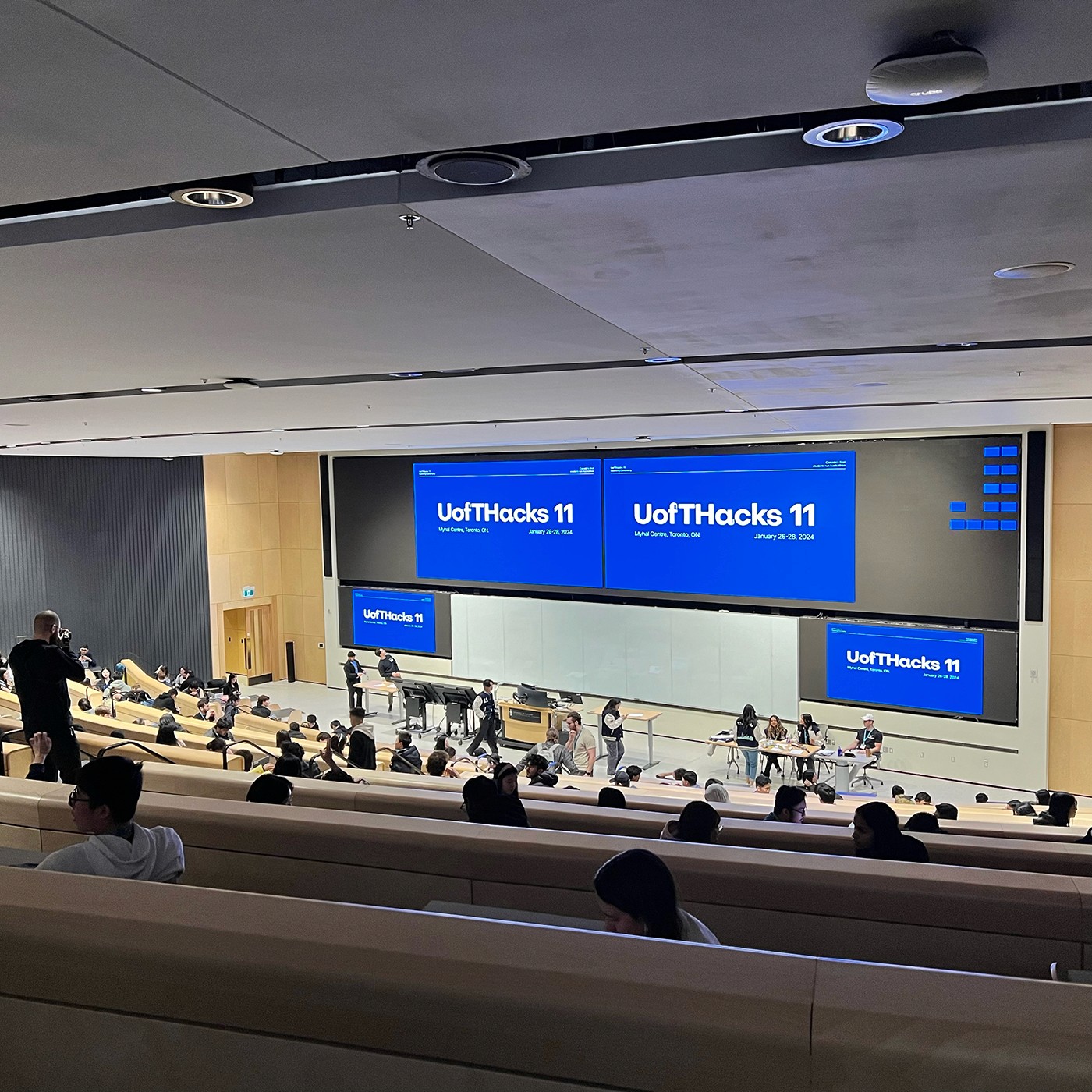
UofTHacks 11
Challenge
Nostalgia
What if we travelled back in time with modern tech?
UofTHacks 2024 presented five nostalgia-driven items:
Photo Album
Boombox
Rolodex
Office Memo Pad
We reframed the hackathon prompt so that we’re bringing today’s AI and digital infrastructure back in time, giving the classic memo pad a futuristic spin.
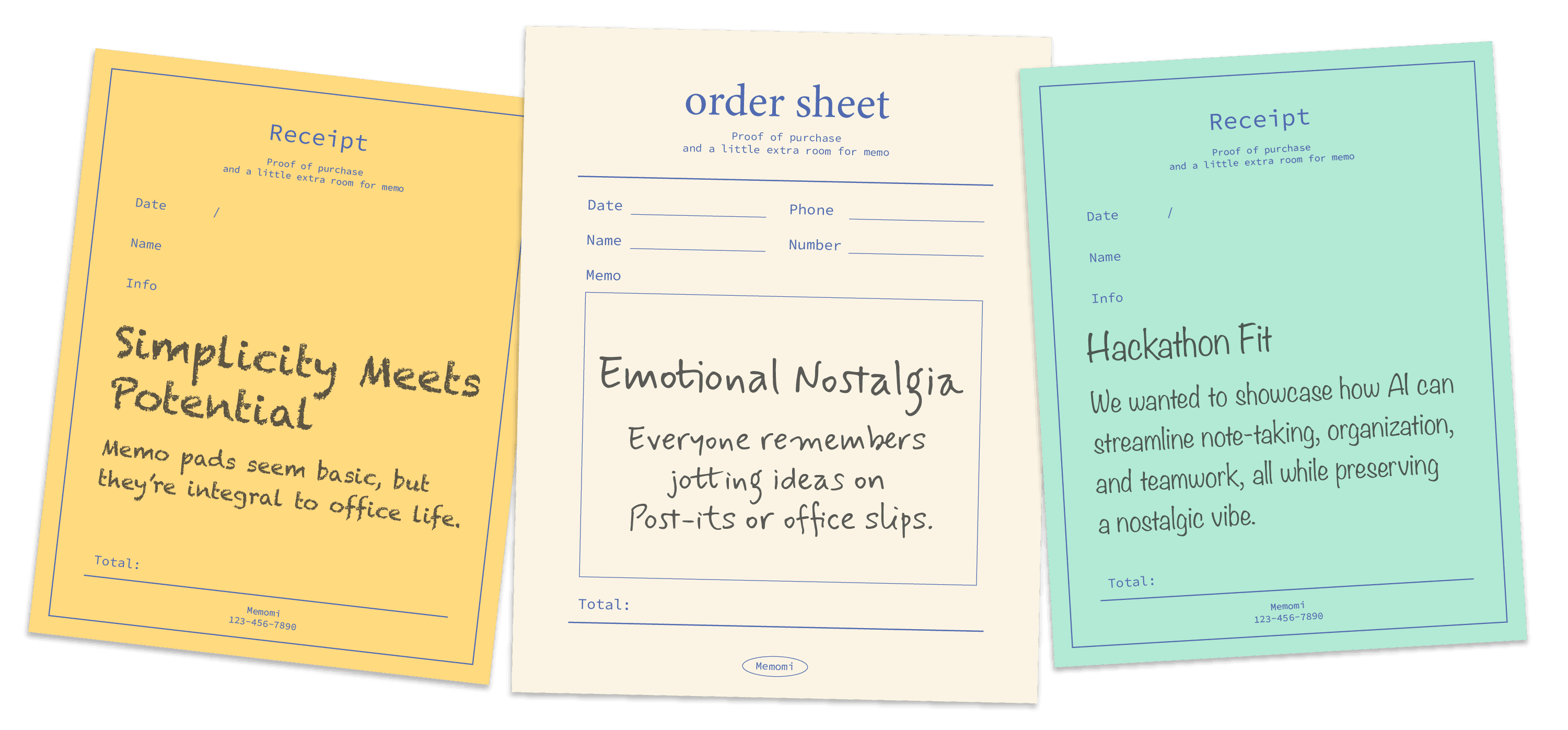
Ideation
Early Planning
From rapid brainstorming to structuring information hierarchy
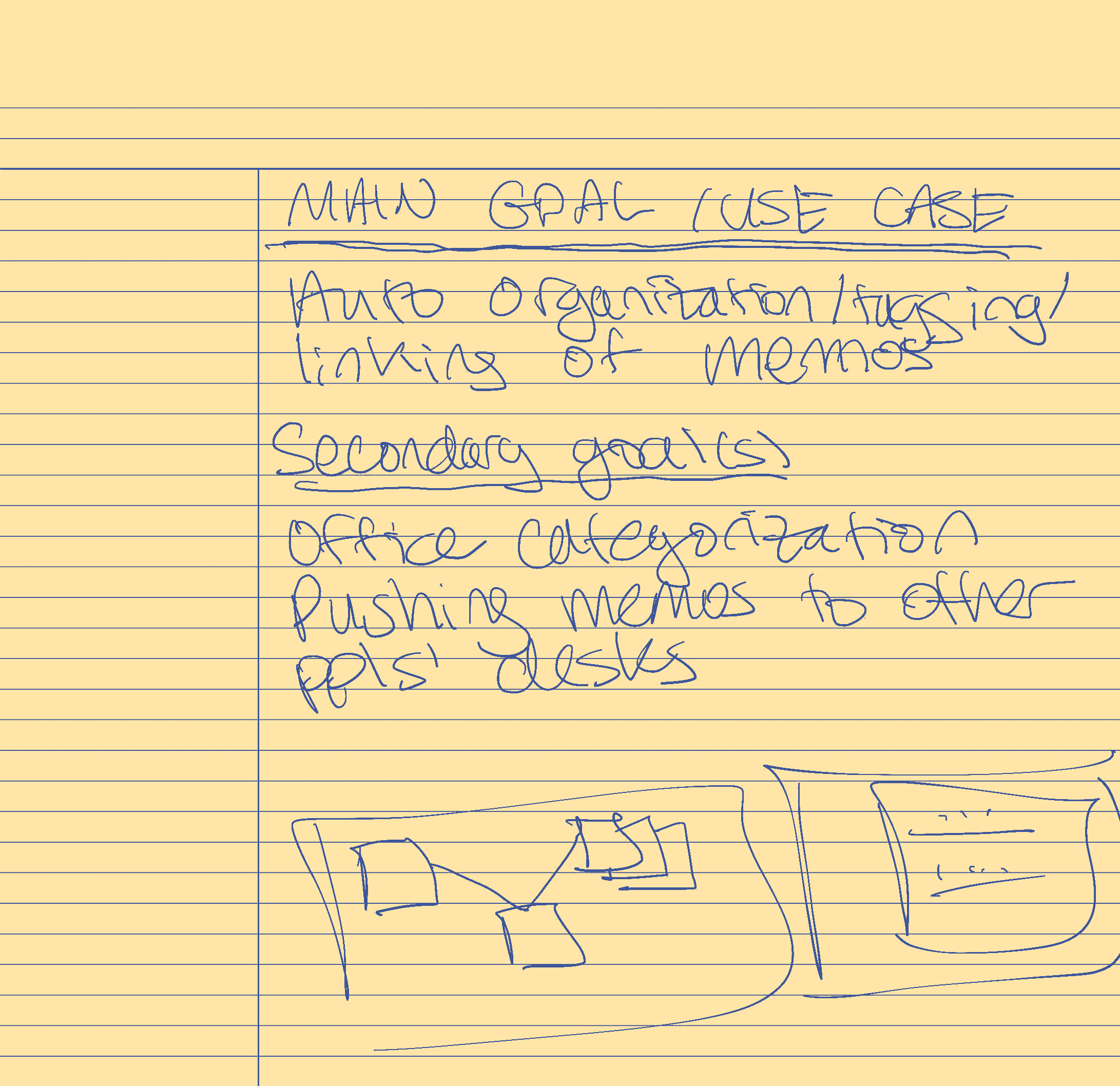
Brainstorming
Within the first few hours, our team brainstormed how to infuse an AI-driven tool into a retro aesthetic and decided to focus on core features: AI note suggestions, memo sharing, and a streamlined interface.
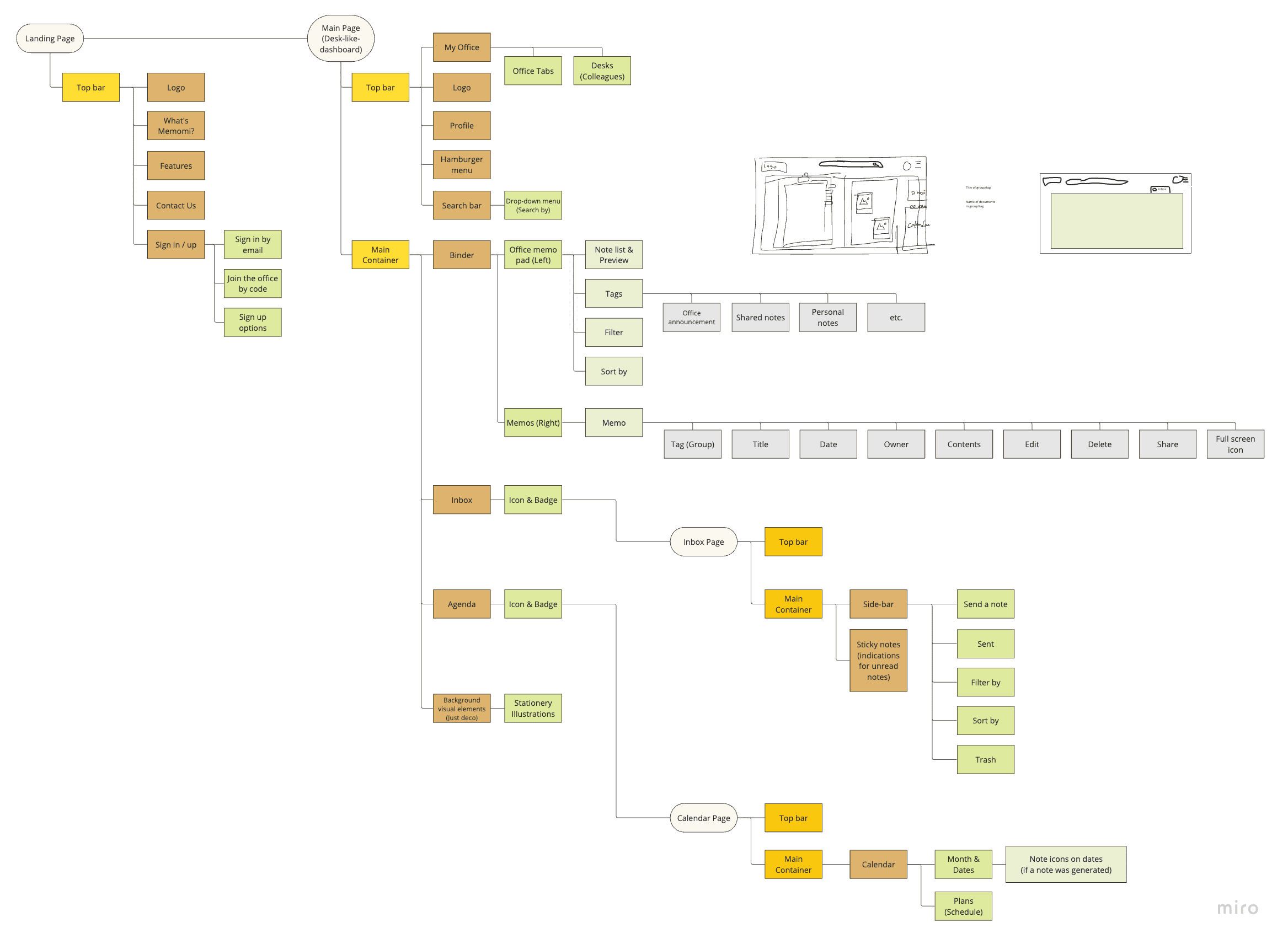
Information Architecture
While developers set up the backend, including the NLP model's API and GitHub repository, I mapped out a hierarchy of features. This visual structure helped the team understand how each service would integrate.
Implementation Highlights
How We Built Memomi in 36 Hours
We used React for the front-end and Node.js with Express for the back-end. MongoDB handled our data, and Cohere’s NLP API powered the smart AI suggestions.
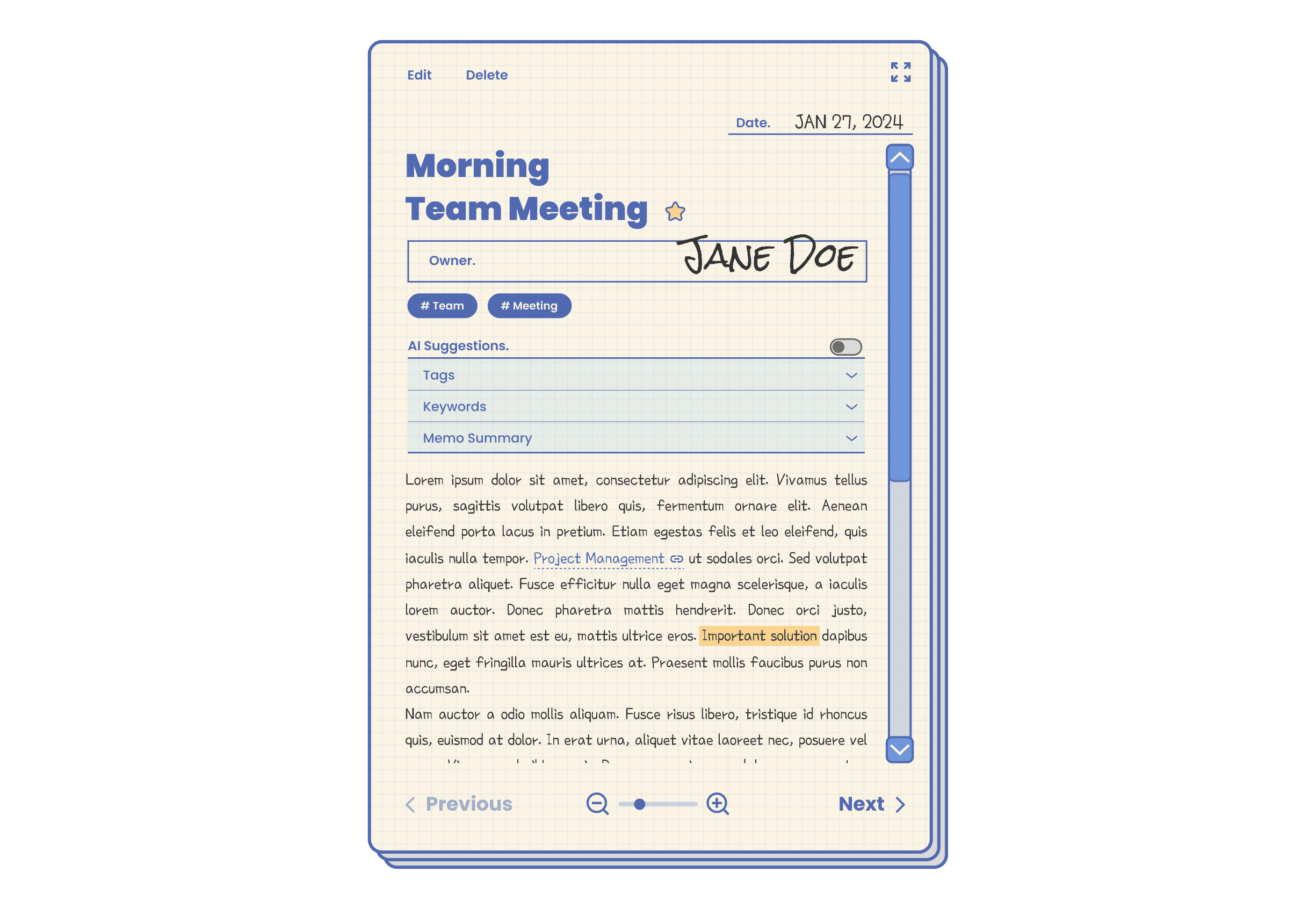
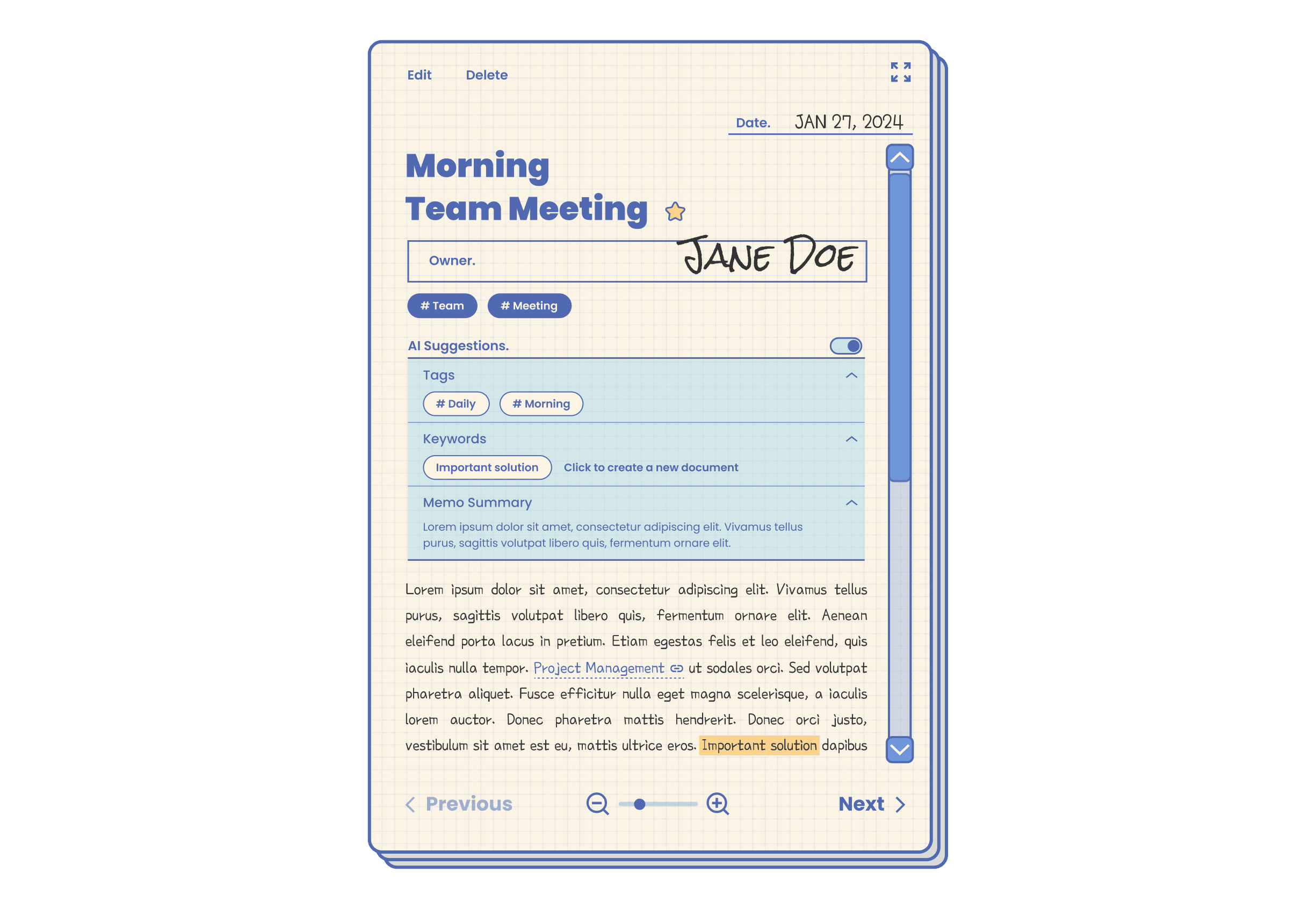
Using Cohere, we enabled automatic tagging, keyword extraction, and memo summarization; All in real time, right inside the memo editor.
We designed a pixel-inspired interface with bold, nostalgic color schemes to bring that classic memo pad vibe into a modern UI.
With the clock ticking, we focused on getting the essentials right—AI tagging and team memo sharing—before moving onto polish or extras.
Outcomes
From Concept to Reality
In just 36 hours, we brought Memomi to life: a fully functional, AI-powered memo web app with a nostalgic twist.
Live Demo
Yes, it actually works! We didn't stop at wireframes or mockups. Memomi was fully coded during the hackathon, with working features like AI-powered memo tagging, keyword extraction, and real-time summarization, all using Cohere's NLP API.
Languages
JavaScript
Python
CSS
HTML
57.2%
31.6%
10.1%
1.1%


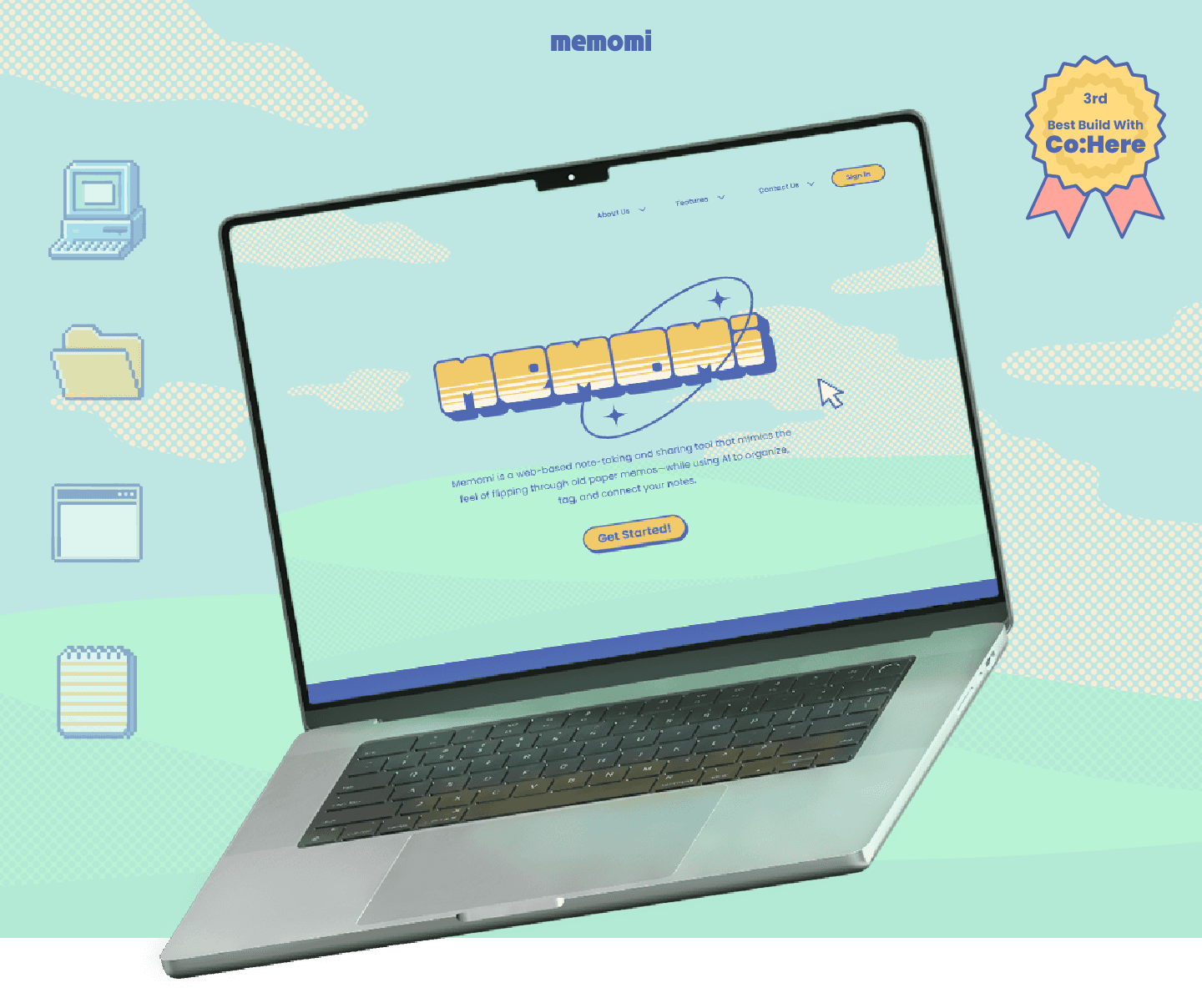
Best Build with Co:Here
Our project won 3rd place in the Co:Here category at UofTHacks 11. Judges praised the seamless blend of AI functionality with playful, retro-inspired design.
A nostalgic memo tool for modern teams
Prototype
Homepage
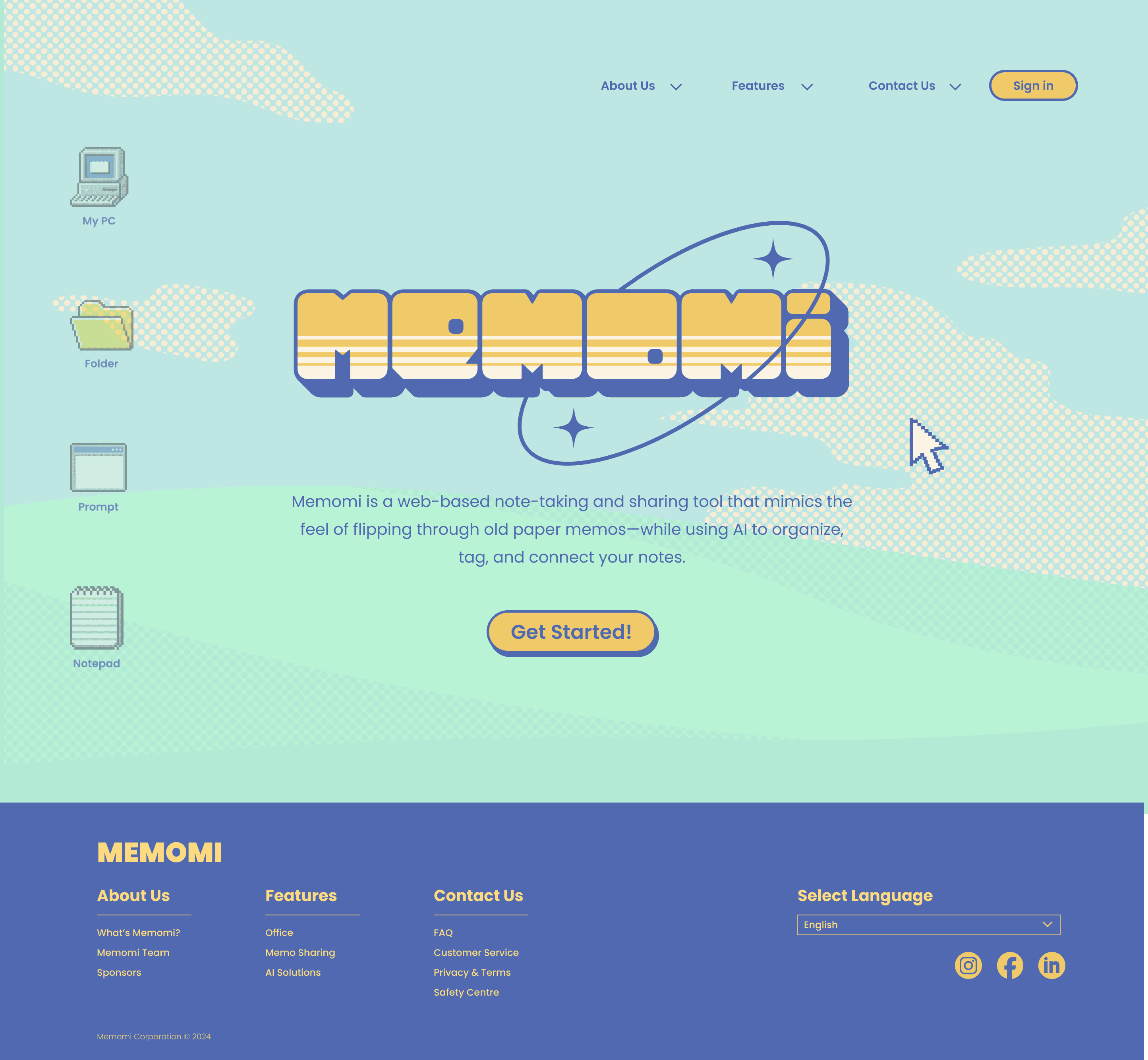
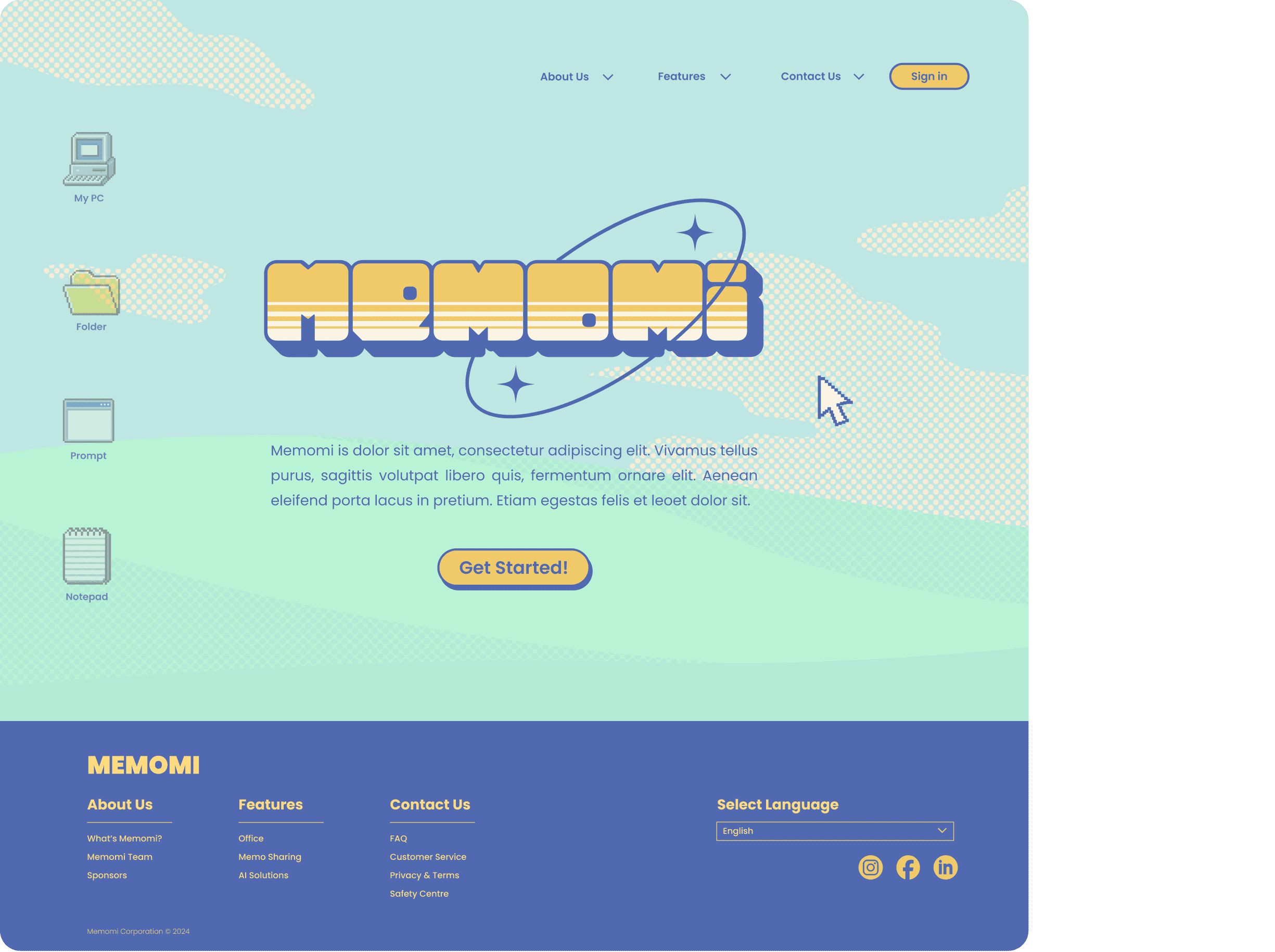
Step into Your Retro Workspace
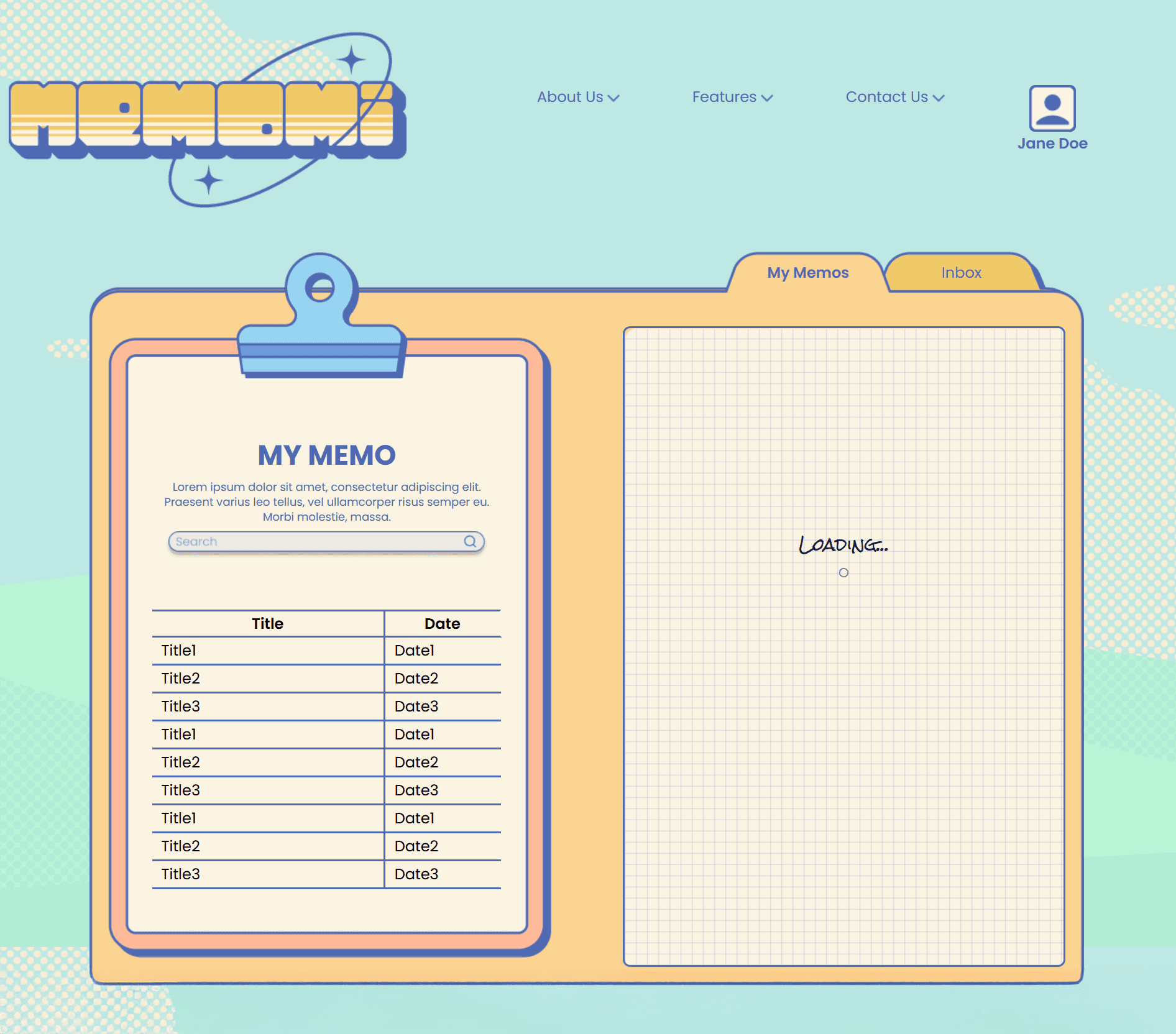
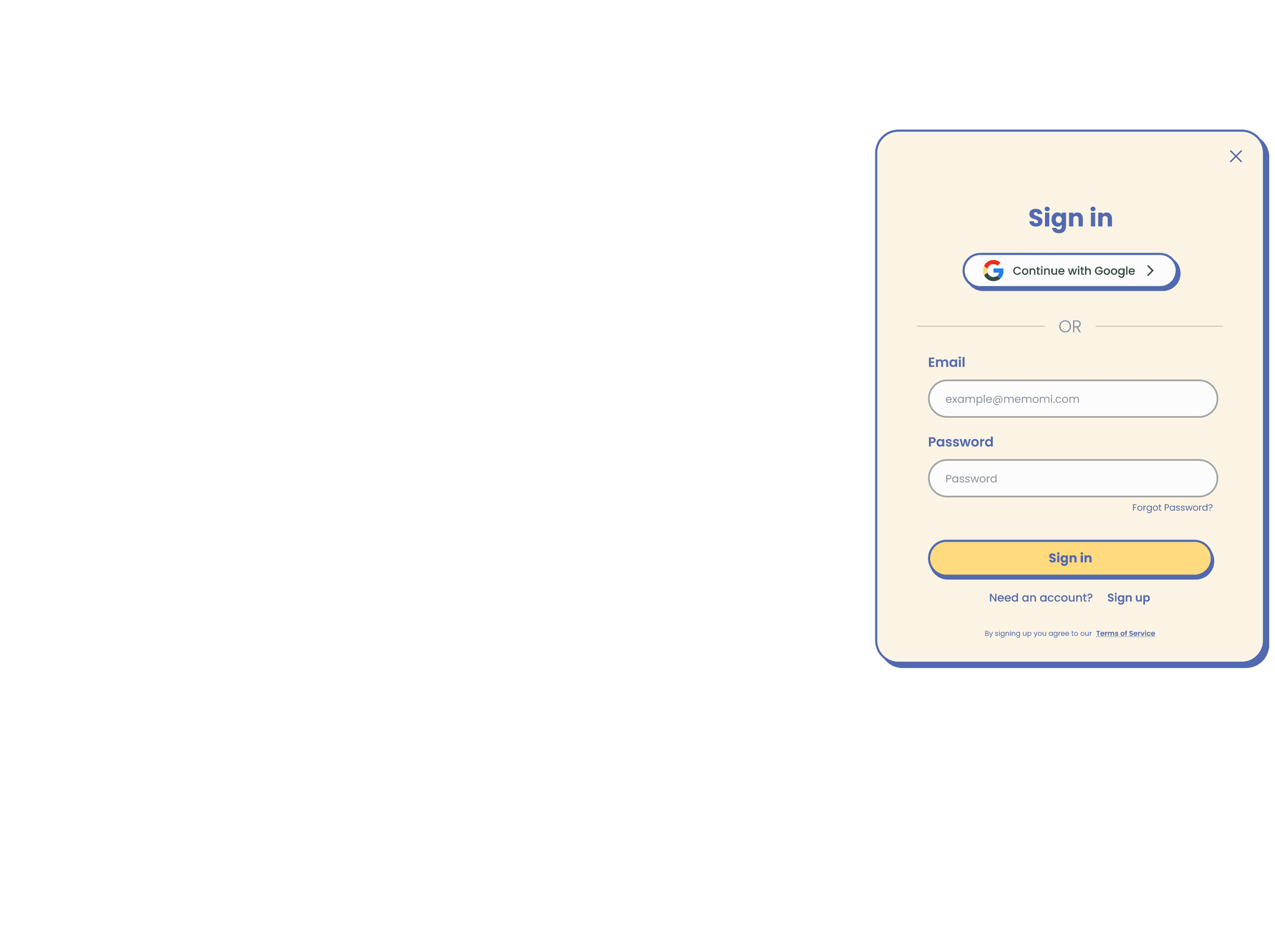
Welcome to Memomi, where old-school vibes meet smart AI. From the homepage, you can peek at all the features, explore what makes Memomi fun, and hop right into your memo space. Signing in is quick and easy. Just use Google or your email, and you’re in. No fuss, just memos.
Add Memo
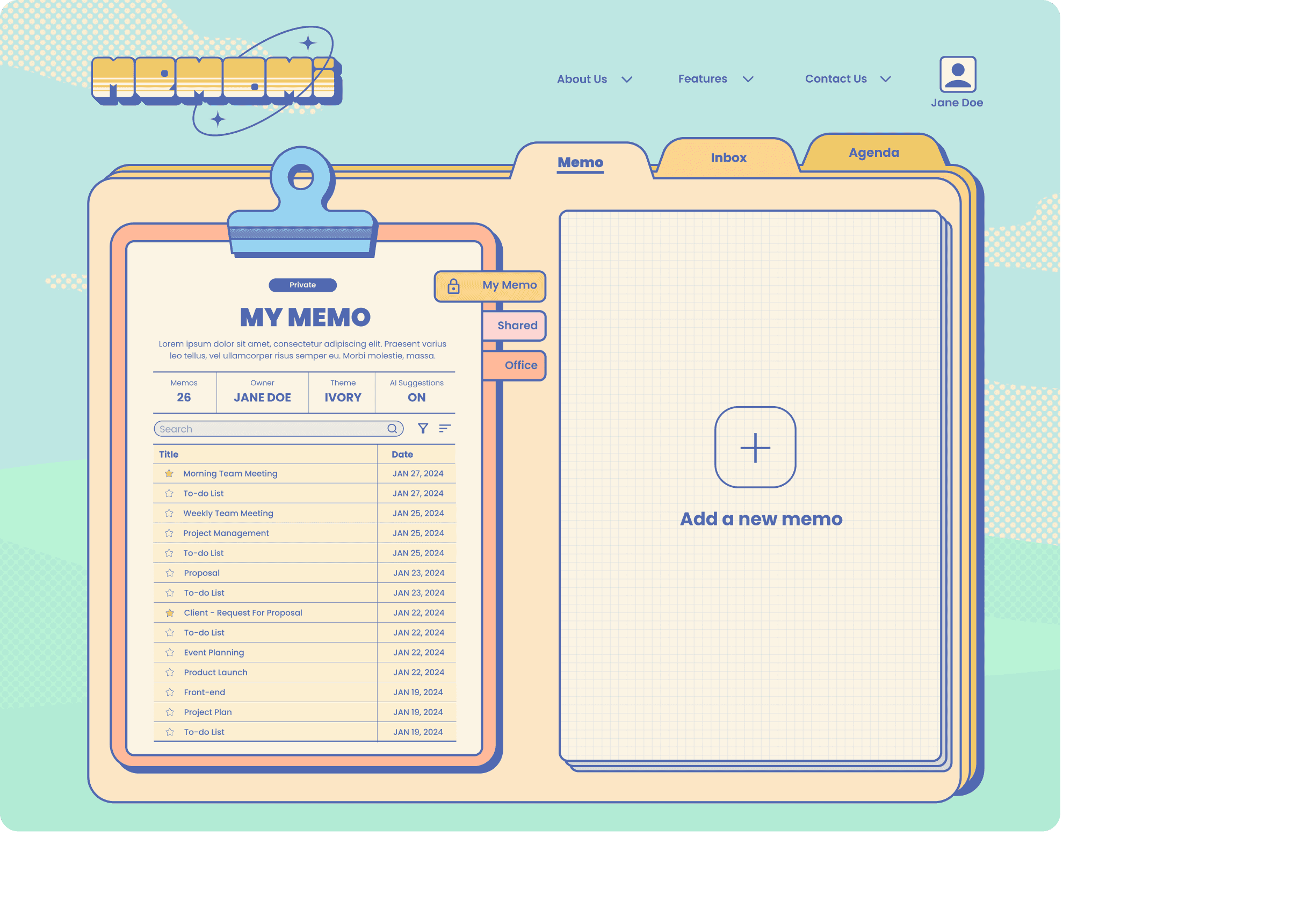
Write it Down, Keep it Forever
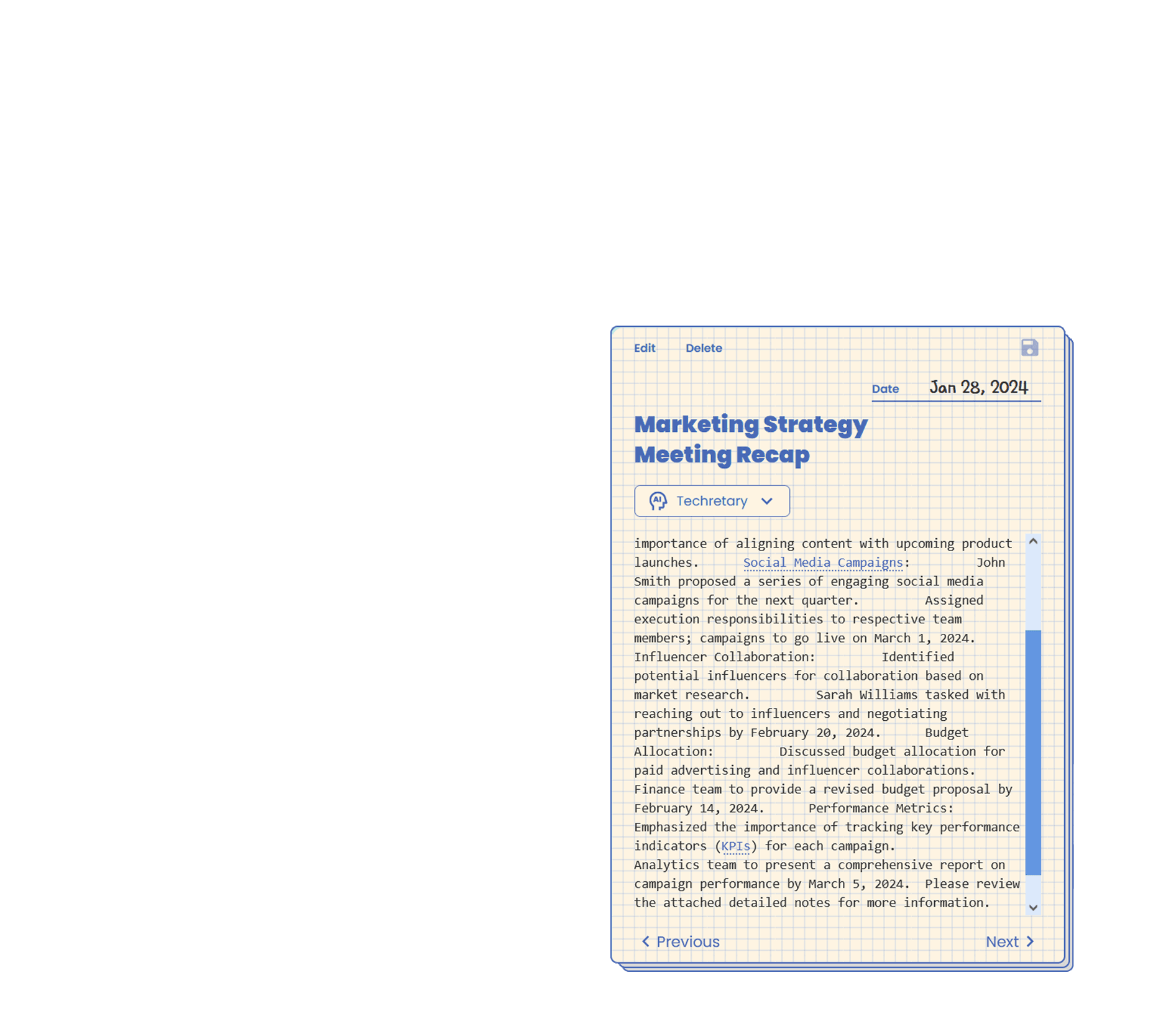
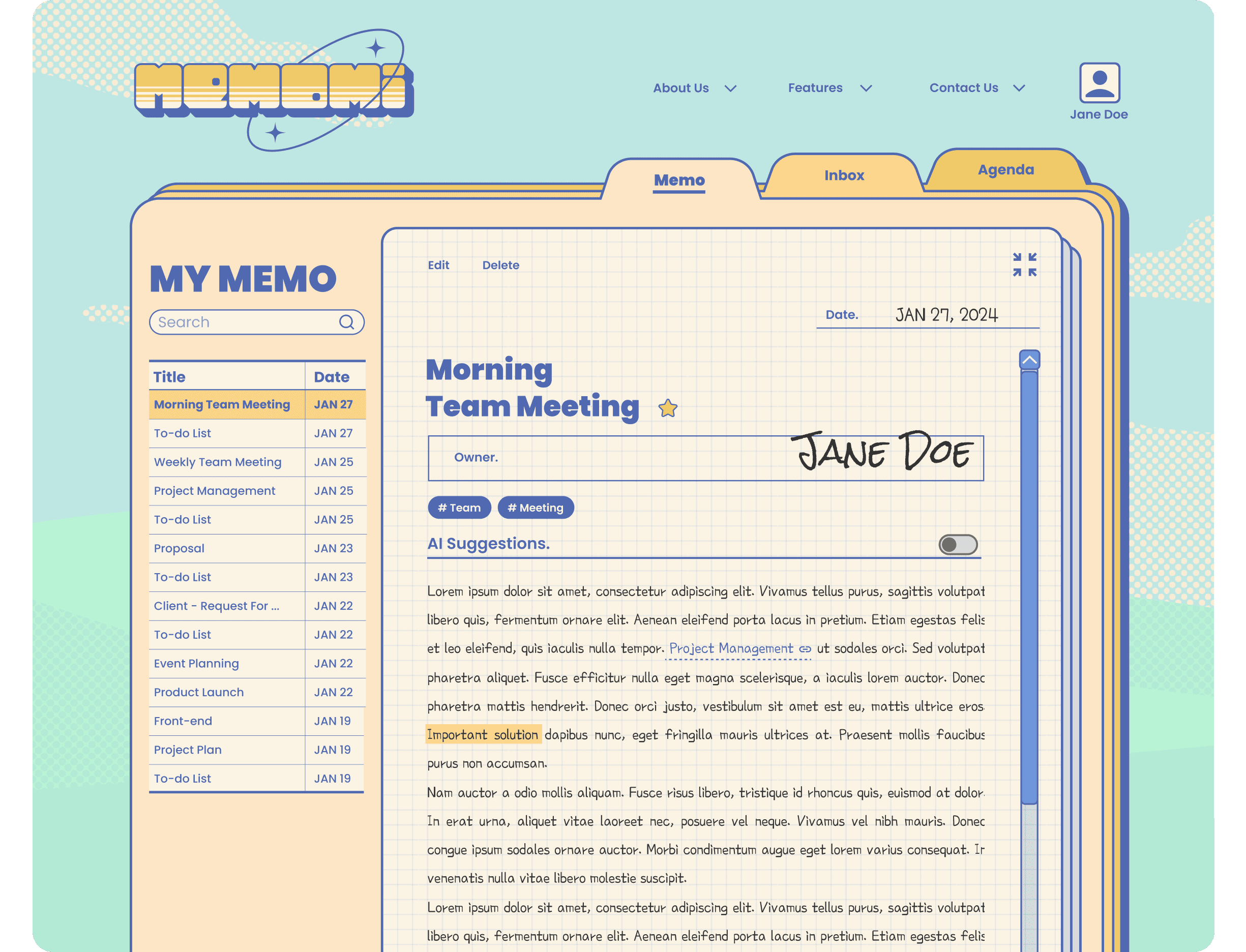
Whether it’s a team meeting, a project idea, or a simple to-do list, Memomi helps you jot things down the retro way with a little help from AI. Just hit “Add a new memo,” start typing, and watch suggestions roll in. It’s fast, organized, and kind of fun, too.
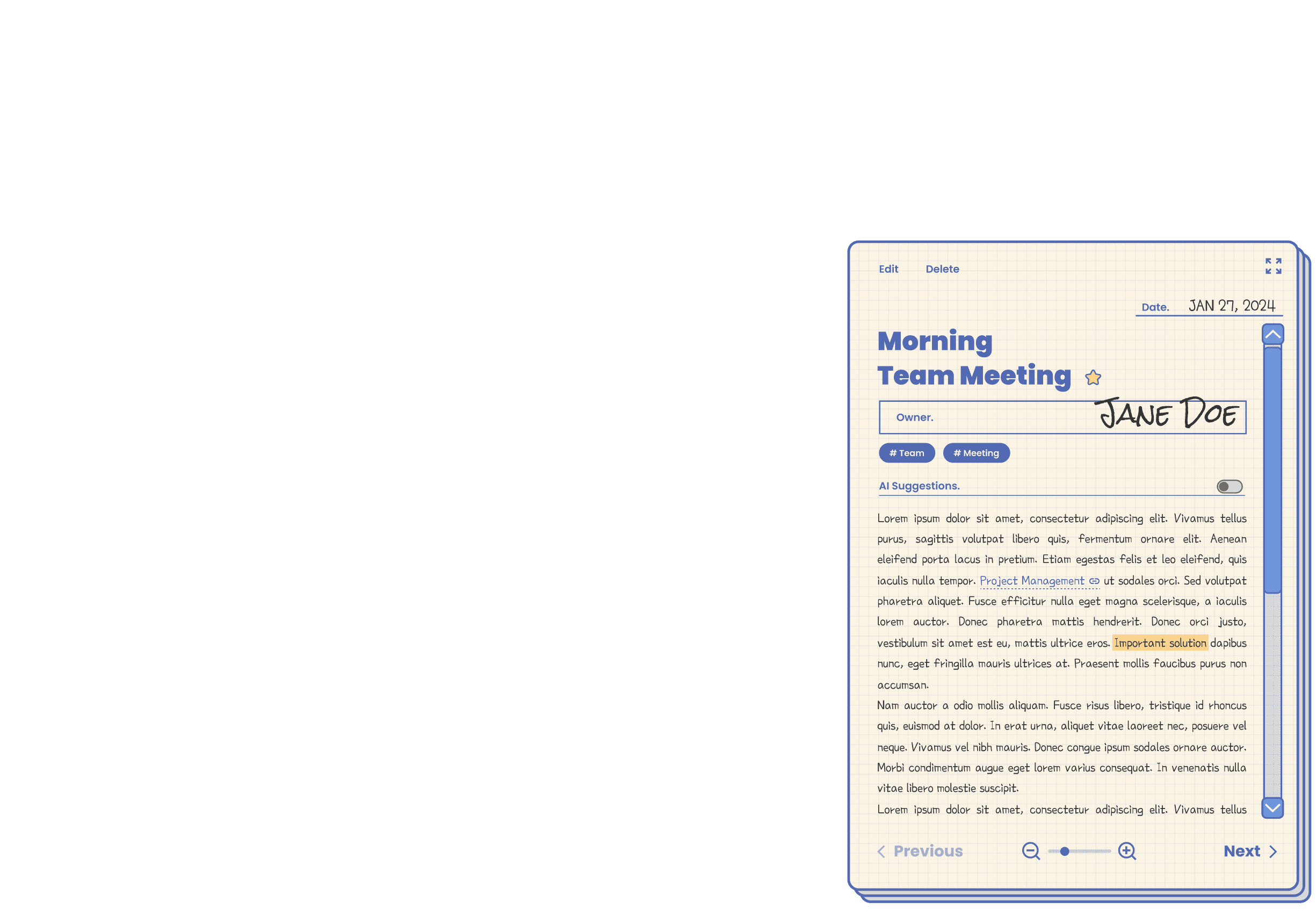
AI Suggestions
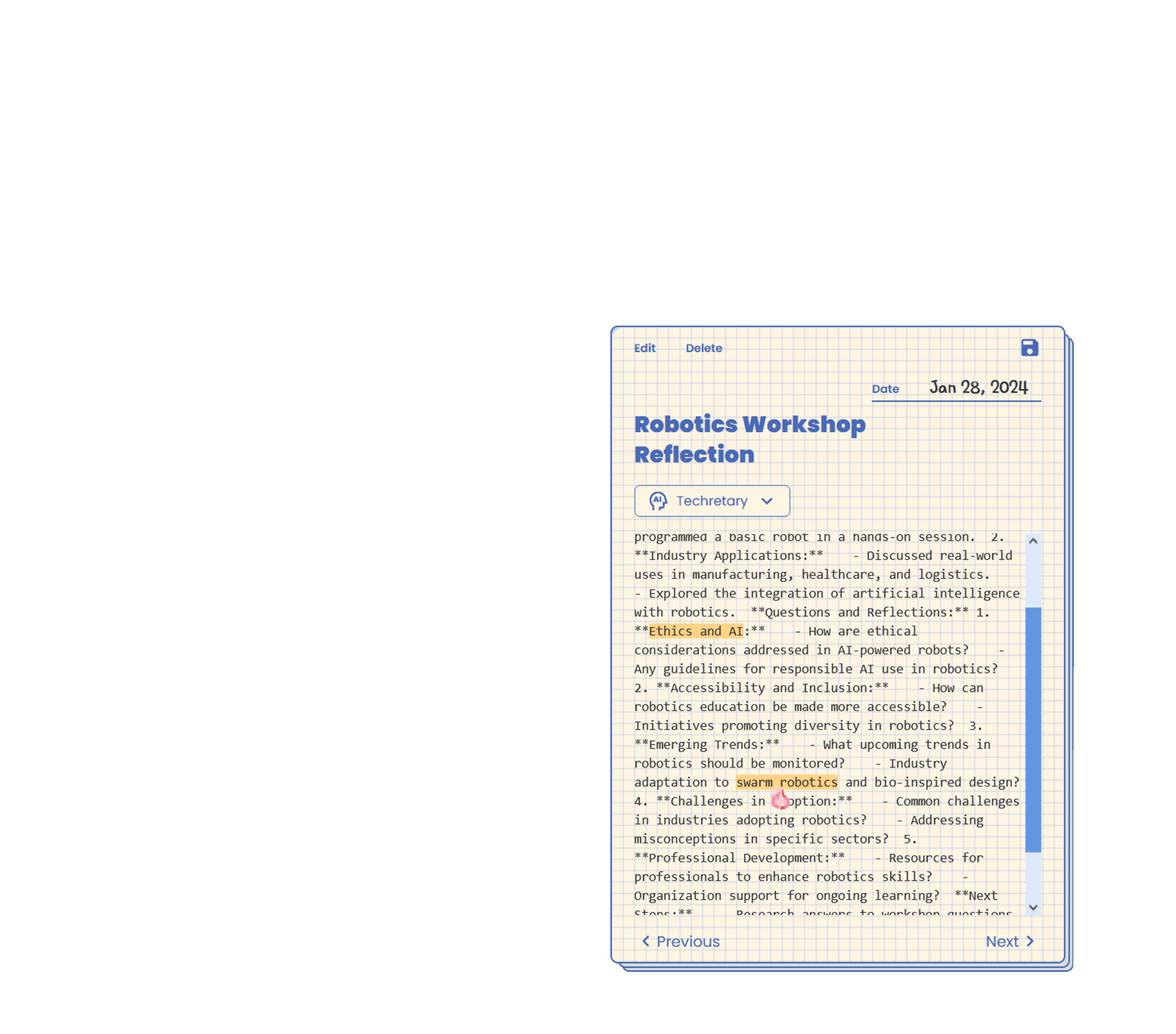
Tired of sorting through messy notes? Memomi’s built-in AI helps organize your thoughts by suggesting tags, pulling out keywords, and even summarizing your memos. Just focus on writing. Memomi will take care of the rest.

Formats
More Than Just Memos
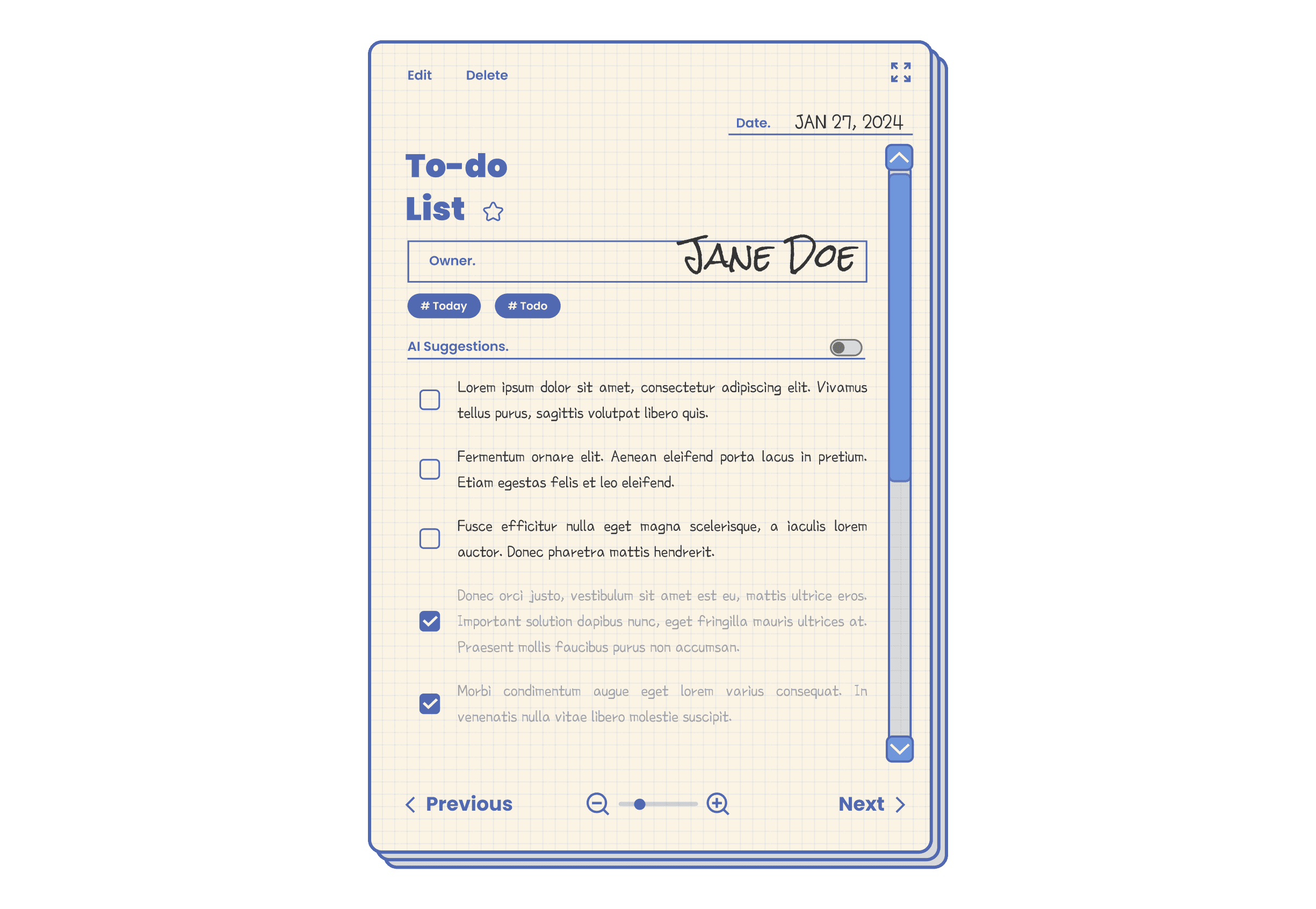
Memomi isn’t just for quick notes. It lets you choose the format that fits your workflow. Whether you’re planning your day with a to-do list or outlining a proposal, you can write in the style that suits the task. One space, many ways to stay organized.
Full Screen Mode
More Space, Less Distraction
Need room to think? Switch to full screen for a focused writing experience. The memo expands, distractions shrink, and you get a clean canvas to stay in the zone.
Inbox
Your Team’s Memo Hub
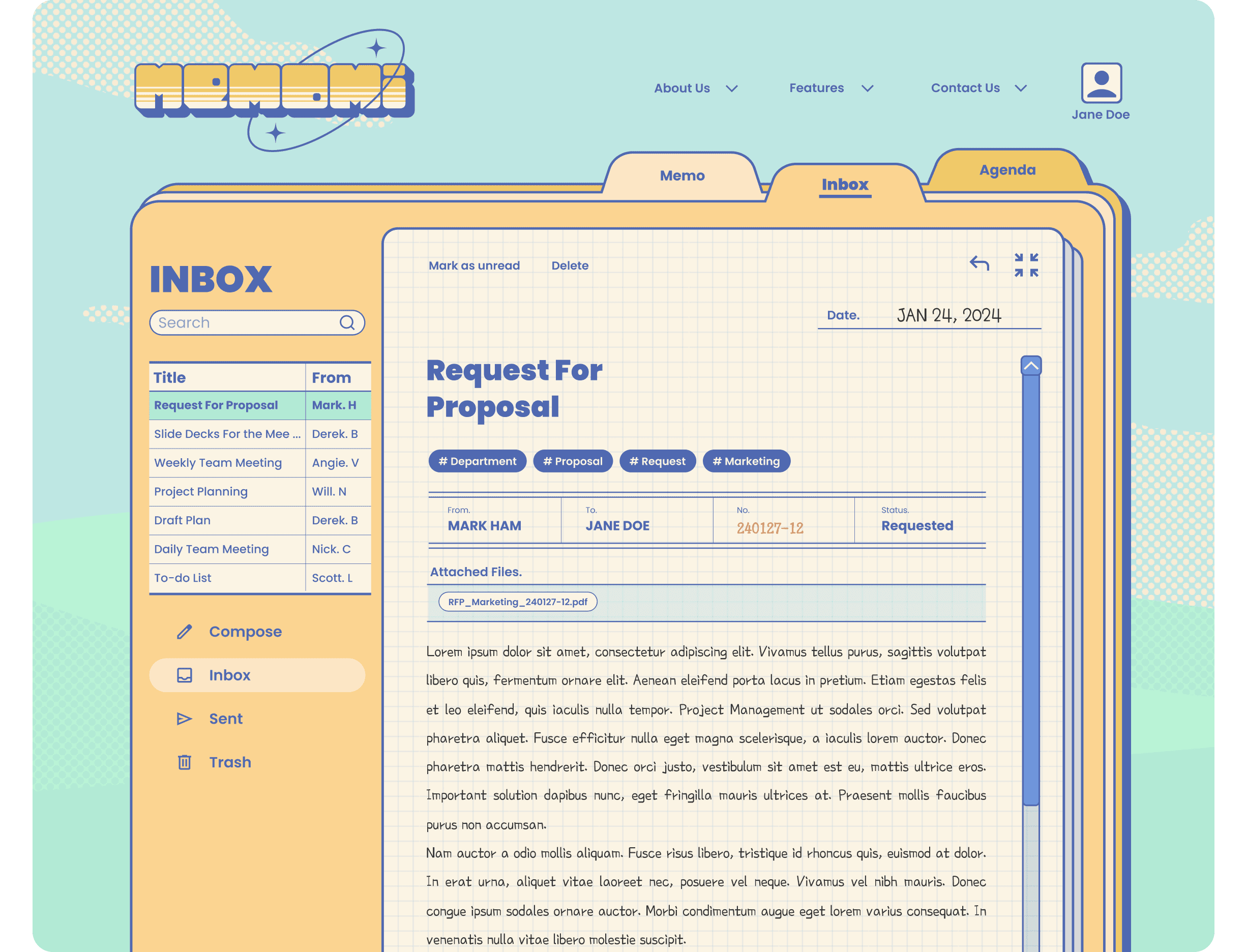
Inbox is your space for shared memos, file requests, and team updates. Send, receive, and reply; All in one place. It's like old-school desk drops, but smarter, faster, and way more organized.

Reflection
What We Learned by Building Memomi
Making Decisions Fast and Smart
With only 36 hours, we had to prioritize what really mattered. Instead of trying to build every feature we imagined, we focused on a functional memo editor with working AI integration. That meant clear communication and fast decision-making were critical.
Designing Within Constraints
We wanted to capture the feeling of retro office tools, but also keep the UI modern and usable. Creating something that felt nostalgic without becoming outdated required careful visual balancing like limiting the colour palette and using playful type, while still maintaining clarity.
Working Across Roles
Our team came from different skill sets—frontend, backend, AI, and design—but we collaborated through shared diagrams, real-time Figma updates, and GitHub commits. Everyone respected each other's space, but we constantly synced to keep things cohesive.